
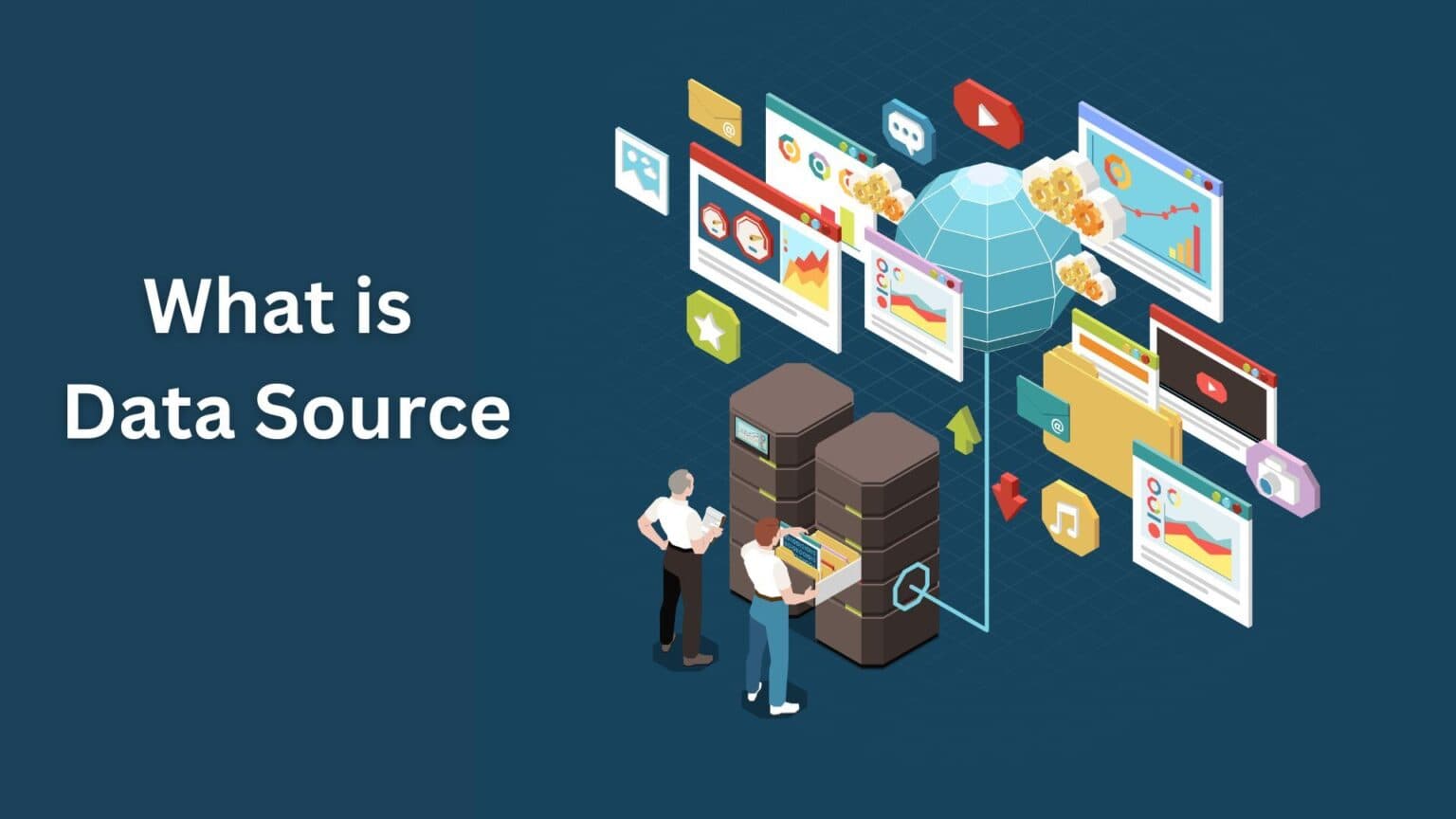
A data source refers to the location where data originates and is stored for use. It can be the original system that creates and manages the data or any platform that provides access to it. Data sources exist in multiple formats and are commonly used for tasks such as data analysis, processing, reporting, and visualization.
In practical scenarios, data sources are used whenever data needs to be retrieved or transformed. For example, consider an online fashion retailer. When a product shows as “out of stock” on the website, the system pulls that information from the inventory database. In this case, the inventory tables act as the data source that supplies real-time information to the website.
Define Data Source
A data source can be defined as a physical or digital repository where data resides. Data may be stored as tables, files, objects, or other structured or unstructured formats. These data repositories allow users, systems, or applications to access information for future operations such as reporting, analysis, or decision-making.
Difference Between Data Sources and Databases
Although often used interchangeably, data sources and databases are not the same.
A data source is any entity that provides data. This could include files, applications, APIs, web services, or databases. It acts as a point of access to data, regardless of how that data is structured.
A database, on the other hand, is a structured collection of data stored electronically. Databases are designed to efficiently store, retrieve, update, and manage large volumes of information. They are typically managed using a Database Management System (DBMS), which enables users to query and analyze data.
Common examples of databases include CRM systems, inventory management systems, and online product catalogs. Databases can be classified into two primary categories:
- Relational databases (SQL): Use structured tables and SQL for data management
- Non-relational databases (NoSQL): Use flexible, non-tabular data structures
While a database can function as a data source, not every data source qualifies as a database.
What Is a Data Source Name (DSN)?
A Data Source Name (DSN) is a reference or identifier that points to a specific data source. It stores connection details such as drivers, network locations, and authentication credentials. A DSN simplifies access by allowing applications to connect to data without repeatedly specifying technical connection details. It acts as a shortcut or label rather than the actual database or file name.
Purpose of a Data Source
The primary purpose of a data source is to enable seamless access, movement, and integration of data across systems and applications. It provides all the technical information required to establish a connection, including drivers, addresses, and credentials.
By using data sources, users and applications are shielded from complex configuration details. Connection information is securely stored and accessed only when required for operations such as data transfer, transformation, or analysis. In simple terms, data sources make it easier to connect, copy, and manage data across platforms.
Types of Data Sources
Despite the growing variety of data formats and technologies, data sources can broadly be categorized into two main types.
Machine Data Source
Machine data sources are created and stored on a specific device, such as a computer or mobile system. These sources are available only to users logged into that machine and cannot be shared across devices.
They contain all required connection details, including drivers and configuration settings. Users typically access them using a DSN, while the actual connection information is stored internally within the system.
Machine data sources can be further divided into:
- User data sources: Available only to a specific user
- System data sources: Accessible to all users on the system
Examples include system logs, application logs, network activity data, IoT device outputs, and database query results.
File Data Source
File data sources are independent of specific machines or users. They are stored as separate files and can be easily shared across systems. Unlike machine data sources, they do not rely on a DSN.
These files can be copied, edited, and distributed like regular files, making them suitable for shared environments. File data sources allow multiple users or applications to connect using the same configuration file.
Some file data sources act as wrappers that point to machine data sources. These are not shareable but enable applications that require file-based connections to access machine-level data.
Common examples include text files, PDFs, spreadsheets, images, audio files, and video files.
How Data Sources Work
Data sources play a critical role in collecting, organizing, and delivering data to tools and systems where it can be used. They act as connectors between different applications, enabling data migration and integration across platforms.
By allowing data to move between formats and destinations, data sources help organizations streamline operations and improve system interoperability.
Key Components of Data Sources
Data Model
A data source organizes information using a data model. A data model defines how data is structured, stored, and related within a system. It ensures consistency and reliability when data is accessed or modified.
Examples of data models include database tables and report fields. Common data model types include hierarchical, relational, entity-relationship, object-oriented, UML, and dimensional models.
Data Source Connectors
Connectors enable communication between data sources and tools such as analytics platforms, databases, and applications. They simplify data access and enable faster analysis.
For example, reporting tools like Tableau or Power BI use connectors to pull data from spreadsheets, cloud databases, or enterprise systems without manual configuration.
Copying and Sharing Data Sources
Machine data sources are limited to individual systems, while file data sources can be easily shared. File data sources can be transferred through email, cloud storage, or direct downloads. Data can also be exported in formats such as CSV or Excel.
Data movement between systems often uses network protocols like FTP and HTTP. Other commonly used protocols include REST, SOAP, NFS, SMB, and WebDAV. APIs also play a key role in enabling automated data exchange between applications.
Data Source Example
Consider an e-commerce company aiming to improve its business strategy using analytics. The company may want to transfer operational data to a visualization tool such as Power BI.
Using built-in connectors, the platform can integrate directly with the e-commerce system. The data source is configured by selecting required tables and fields and preparing the data for reporting. Once connected, data can be exported in formats like CSV, XML, or via HTTP for further integration with other systems.
Conclusion
Data has become a critical asset for modern organizations. It supports informed decision-making, operational efficiency, and product innovation. Data sources make it possible to access, manage, and share data across systems effectively. By using data sources correctly, businesses can unlock greater value from their data and improve collaboration across platforms.